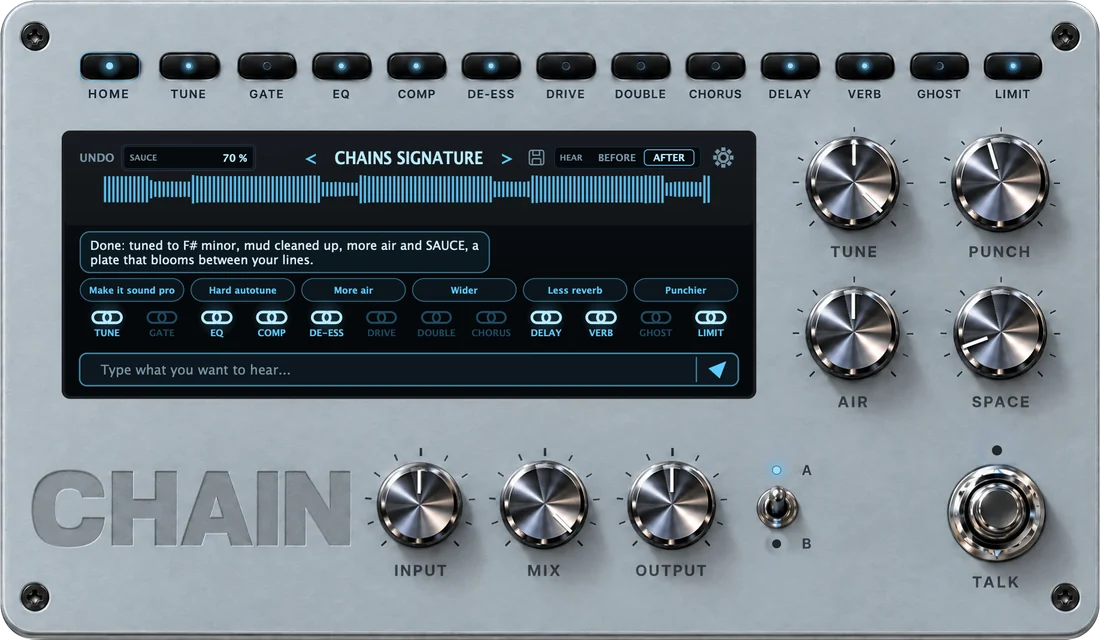
You’re in. CHAIN is yours.
Get the installer on your Mac with the button below. The same download is in your CHAIN account.
Your download link is in the email “Your CHAIN is ready”, sent to the address you paid with, and in your CHAIN account. The email usually arrives within a minute.
Download CHAIN for MacOn your phone? Open this page on your Mac: the installer is a Mac file. The link to this page is in your email “Your CHAIN is ready”.
- Download the installer
Download it on your Mac. The file is
CHAIN-1.0.0-macOS.pkg, about 90 MB. - Open it and confirm it once
Double-click the installer. macOS stops it the first time: CHAIN is new and its installer does not carry Apple’s developer signature yet. Close the warning, keep the file, then:
- Open System Settings and go to Privacy & Security.
- Scroll down to Security and click Open Anyway next to the installer’s name.
- Confirm, and enter your Mac password if it asks. The installer opens.
Security
“CHAIN-1.0.0-macOS.pkg” was blocked.
Open AnywayNo button? Double-click the installer again, then come back here. On macOS 12 the same button is in System Preferences, under Security & Privacy, General. - Install
Follow the installer. It adds CHAIN to your Audio Units and VST3 plug-ins, with the model for voice typing.
- Open your DAW
Restart it, rescan plug-ins if CHAIN does not show up, and put CHAIN on your vocal track.
- Sign in
CHAIN opens on Activate CHAIN. Press SIGN IN: your browser opens. Sign in with the email you paid with (we send a 6-digit code) and press Connect CHAIN. The plugin unlocks by itself, with your credits next to the chat.
- Pick a sound
Choose an artist, or type what you want to hear. Flip BEFORE / AFTER and post it.
No email after ten minutes? Check spam, then write to support@chainsaudio.com.
Back to CHAIN